Setup
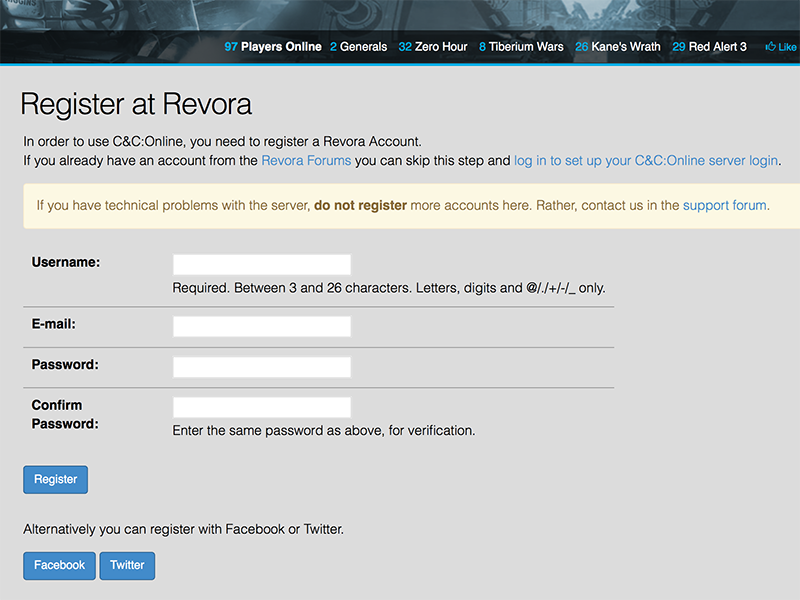
Register your Revora Account
If you don't already have one, register a Revora Account on the signup page. Confirm your e-mail address and then log in on this website.
If you already have an account from the Revora Forums, you can use that to log in right away!
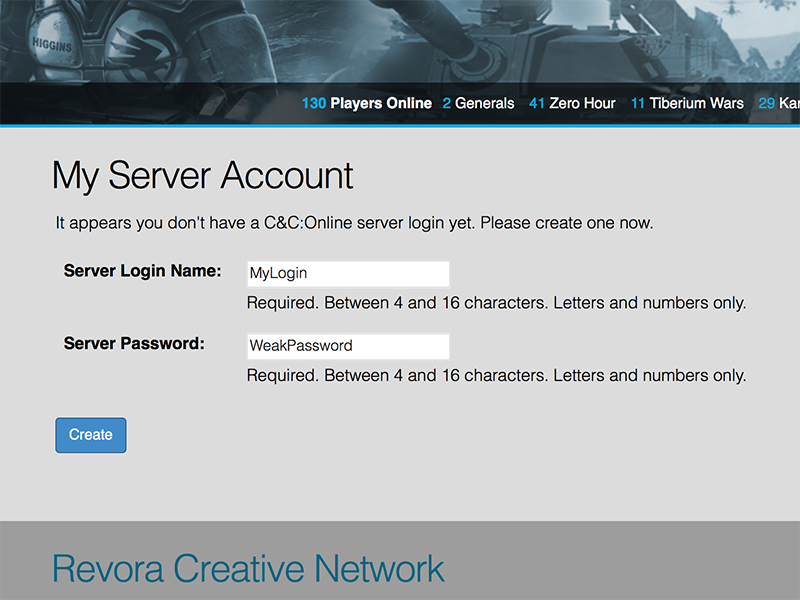
Create your Server Login
Create the login name and password you will use to log into the server with your game.
WARNING: This password is saved in plain text! Do not re-use the password for your e-mail account, Facebook, etc.!
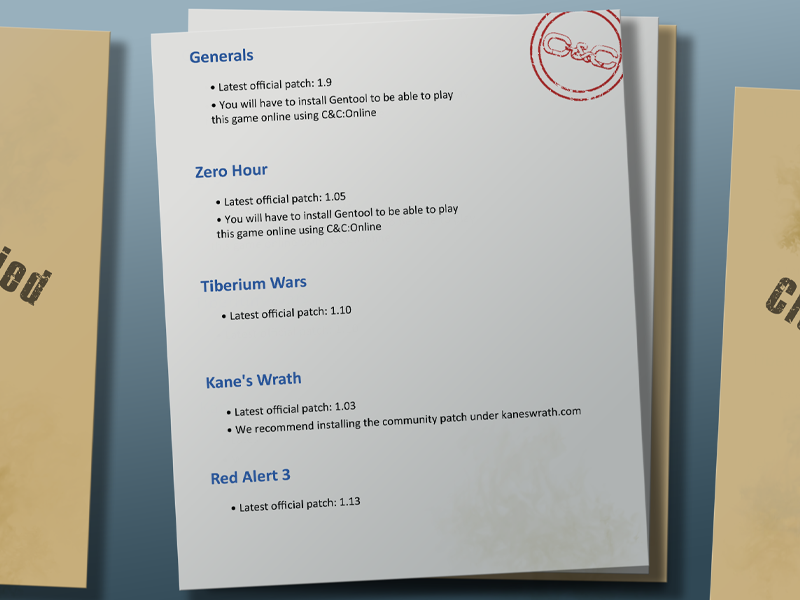
Download the latest patch for your games
Our server supports both pre March25 and post March25 versions of the games we support. We are working on a system that will allow us to get players with a Disc install updated to the newest patches.
To stay up to date on our progress of fixing Disc installs and updating them join our Discord.

Download Tacitus or GenTool
Generals and Zero Hour: Download the newest GenTool, which has C&C:Online support built in.
Tiberium Wars, Kane's Wrath & Red Alert 3: Download Tacitus, which is the new all in one solution for fixes, patches and plug and play online experience just like in the GameSpy days.
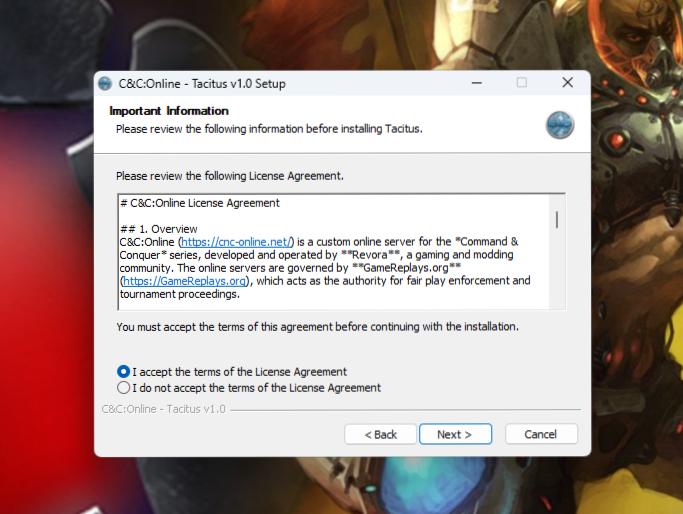
Installing Tacitus
Double-click the installer and follow the instructions there. If you experience issues installing C&C:Online, visit our Discord.
(Generals and Zero Hour players can obviously skip this step)

Go online!
That's it! You're ready to go. Just launch your game normally from Steam, EA App, GOG or Disc install and go straight into the online menu.
For Generals, Zero Hour and Red Alert 3, log in with the e-mail address you used to register, your server password and a nickname of your choice.
For Tiberium Wars and Kane's Wrath, log in with your server login name, your server password, and a nickname of your choice.
Full support is provided in the C&C:Online support forums, or the C&C:Online Support Discord. Make sure you've followed all Setup steps carefully before posting.